
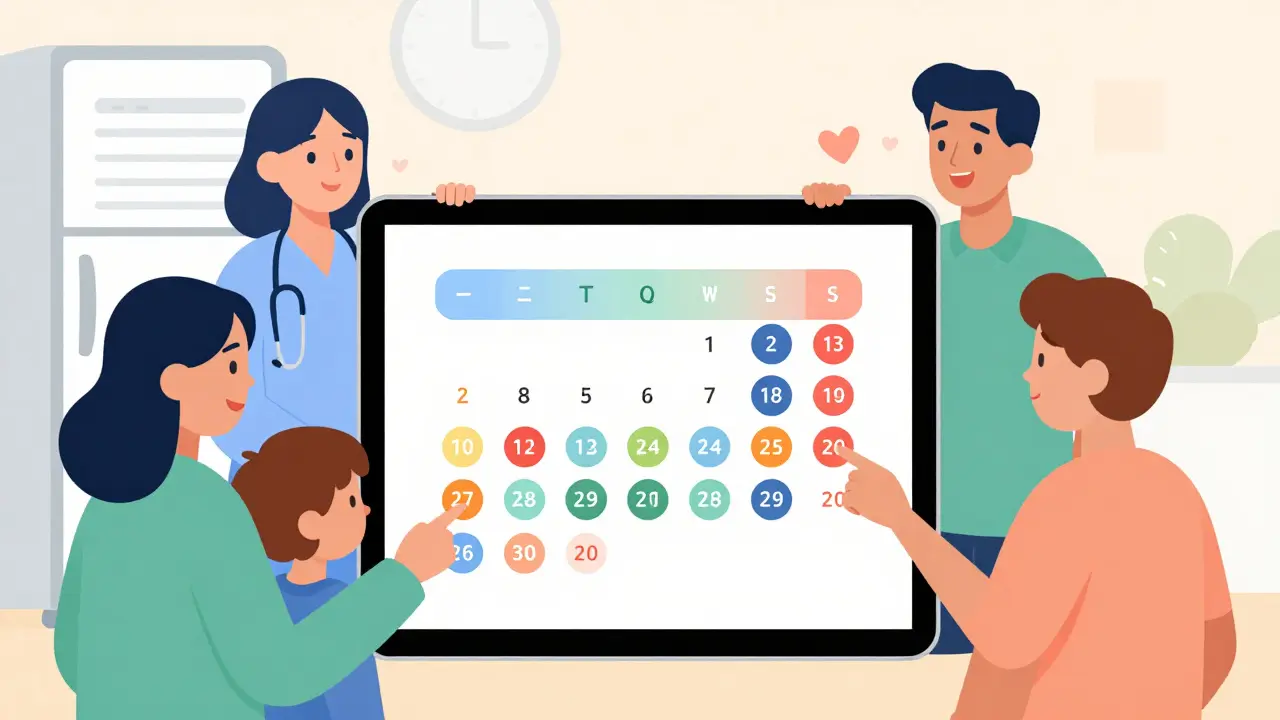
Medication Schedule Builder
Create Your Shared Medication Schedule
Add your medications with timing, dosage, and instructions to generate a clear, shareable schedule for family and caregivers.
Your Medication Schedule
How to Use This Schedule
This schedule is designed to help you coordinate medication care with family members and caregivers.
Missing a pill. Forgetting a dose. Giving the wrong medication. These aren’t just mistakes-they’re risks that land people in the hospital, and sometimes worse. In Australia, one in three older adults takes five or more medications daily. When multiple family members or caregivers are involved, keeping track becomes a full-time job. A shared medication calendar isn’t a luxury-it’s a safety net. And it’s easier to set up than you think.
Why a Shared Calendar Matters
Think about your loved one’s medication schedule. Maybe it’s three pills in the morning, two at lunch, and another four at night-with some needing food, others requiring an empty stomach. Now add in doctor appointments, blood tests, refill deadlines, and side effect checks. One person can’t keep all that straight. Not without help.Studies show that nearly half of all medication errors happen because of poor communication between caregivers. In the U.S., medication non-adherence causes 125,000 deaths a year. While Australia’s numbers are lower, the problem is growing fast as our population ages. A shared calendar cuts that risk by making sure everyone sees the same schedule, gets the same alerts, and knows who’s responsible for what.
It’s not just about remembering pills. It’s about preventing dangerous drug interactions. It’s about reducing burnout for the primary caregiver. It’s about giving peace of mind to everyone involved.
What You Need to Get Started
You don’t need a fancy app or a tech degree. You need three things:- A list of all medications-name, dose, time, purpose, and special instructions (like “take with food” or “avoid alcohol”).
- A device-phone, tablet, or computer-that everyone can access.
- A simple plan for who does what.
Start by sitting down with everyone involved-spouse, adult children, home care workers, even a neighbor who drops by. Ask: Who gives the morning pills? Who picks up refills? Who calls the pharmacy when a prescription runs low? Write it down. This isn’t bureaucracy-it’s clarity.
Choosing the Right Tool
There are two kinds of tools: general calendars and healthcare-specific apps. Both work-but they serve different needs.Google Calendar is free, works on any device, and lets you share with anyone with an email. You can create a separate calendar just for medications, color-code each pill, and set reminders 15-30 minutes before dosing. It’s great for families who already use Google. But it won’t warn you if two drugs clash. You have to know that yourself.
Apple Calendar is seamless if everyone uses iPhones. It syncs automatically, works with Siri (“Hey Siri, when does Dad take his blood pressure pill?”), and links to the Health app. But if someone uses Android or Windows, they’re locked out. That’s a problem in mixed-device households.
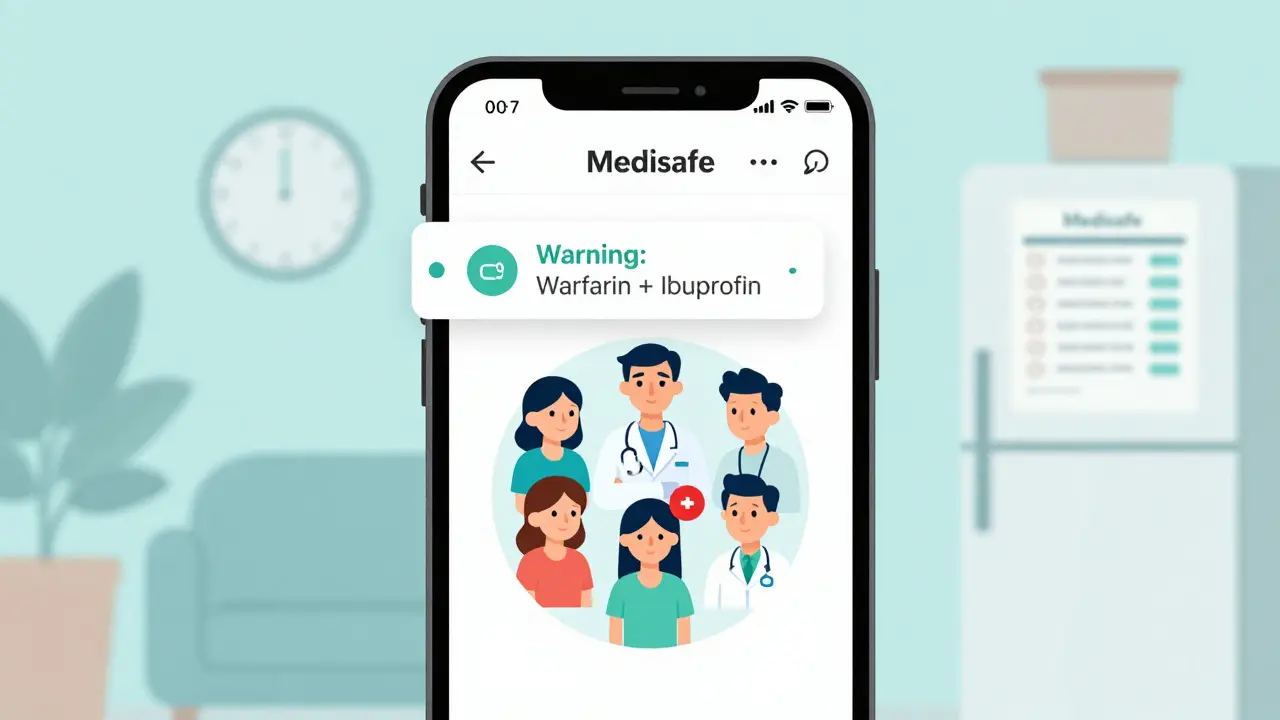
Specialized apps like Medisafe, Caily, and CareZone are built for this exact job. They flag dangerous drug combinations. They track adherence with daily logs. They let you assign tasks-like “buy insulin” or “take Mom to physio”-alongside medication times. Medisafe, for example, checks over 650,000 drug interactions. Caily lets up to 15 people join a care circle. CareZone imports prescriptions directly from pharmacies.
Here’s what you lose with general calendars:
- No drug interaction alerts
- No automatic refill reminders
- No way to log whether a dose was taken
- No task assignments beyond reminders
For simple regimens-like one daily pill-Google Calendar might be enough. For anything more complex, a healthcare app is worth the small monthly fee. Most offer free tiers with basic sharing. You can try them before paying.

How to Set It Up (Step by Step)
Follow this process. Skip a step, and you’ll regret it later.
- Collect the full medication list-from the pharmacist, doctor, or pill bottles. Include over-the-counter meds and supplements. Many forget aspirin or vitamin D, but those can interact dangerously.
- Choose your tool. If most users are on Apple, go with iCloud Calendar. If you have mixed devices, use Google Calendar or Medisafe. If you need task assignments, pick Caily.
- Create a dedicated calendar. Don’t mix medications with birthdays or soccer games. Name it clearly: “John’s Medications - Shared.”
- Add every dose. Enter time, name, dose, and notes. Use the 15-minute reminder rule: if the pill is due at 8 a.m., set the alert for 7:45 a.m. That gives time to get water, sit down, or help someone who moves slowly.
- Share it. Invite everyone by email or phone number. Give them edit access only if they’re responsible for updates. Others can just view.
- Set up notifications. Turn on sound, vibration, and pop-ups. Test them. Make sure everyone gets them.
- Assign roles. Who updates the calendar when a new prescription comes in? Who checks if refills are ordered? Name one person as the “calendar captain.” This reduces confusion by over 60%.
- Print a backup. Older adults often don’t use phones well. Print a simple weekly chart and stick it on the fridge. Update it every Sunday.
Common Mistakes to Avoid
People think setting up a shared calendar is the end. It’s just the beginning. Here’s where most fail:
- Ignoring food interactions. A pill that must be taken on an empty stomach is useless if someone takes it after toast and coffee. Always note this.
- Setting reminders too late. A 10-minute warning doesn’t give time to find the pill bottle or help someone who’s slow to get up.
- Not testing notifications. One family found out their daughter’s phone silenced alerts because she had “Do Not Disturb” on during work hours. She missed three doses.
- Forgetting to update. When a doctor changes a dose, the calendar must change too. One missed update led to a hospital trip because two drugs were doubled.
- Overloading the calendar. Don’t add every appointment. Keep it focused on meds and essential tasks. Too much noise means people ignore it.
Privacy and Trust
Many older adults worry about family seeing their health data. That’s valid. You can’t force access. Start small. Share only what’s necessary. Use apps that let you control who sees what. Medisafe and Caily let you hide certain medications from certain people. Use that feature.
Have an open talk: “I want to help, but I don’t want to invade your privacy. Can we agree on what you’re okay with me seeing?” Some people are fine with full access. Others only want to know if pills were taken-not what they are. Respect that.
Also, check if the app is HIPAA-compliant (or meets Australian privacy standards). If it stores health data, it should be encrypted. Avoid free apps that don’t say they protect your information.
What Happens When It Breaks?
Phones die. Apps glitch. Someone forgets to update. That’s why you need a backup.
Keep a printed schedule in a visible spot. Write the pharmacy’s number on it. Have a second person trained to step in if the main caregiver is away. Practice a “what if” scenario: What if the phone is lost? What if Wi-Fi goes down? What if Grandma doesn’t answer her phone?
Some families use a whiteboard in the kitchen. Others use a simple notebook with checkboxes. The goal isn’t perfection-it’s safety. If the digital system fails, the backup must be easy and ready.
Real Results
A family in Melbourne started using Medisafe for their 82-year-old mother with diabetes, high blood pressure, and arthritis. She took 11 pills a day. Before the calendar, she missed doses twice a week. Her blood sugar spiked. Her doctor was frustrated.
After setting up shared alerts, with her daughter, son-in-law, and home care nurse all notified, missed doses dropped to once a month. Then zero. The daughter said, “I didn’t realize how much stress I was carrying until I didn’t have to check in every morning.”
Another family in Brisbane used Google Calendar for their father with dementia. They forgot to add a new blood thinner. He ended up in the ER with internal bleeding. The doctor later said, “If you’d used a drug interaction checker, this could’ve been avoided.”
Technology doesn’t replace care. But it removes the guesswork.
Where to Go From Here
Start today. Don’t wait for the “perfect time.” Pick one medication. Add it to a shared calendar. Invite one person. Set one reminder. See how it feels.
Within a week, you’ll notice fewer calls asking, “Did Dad take his pill?” Fewer frantic texts. Fewer nights worrying.
This isn’t about being tech-savvy. It’s about being present. A shared medication calendar isn’t magic. But it turns chaos into calm. And in caregiving, calm is everything.


Post A Comment